Myfxbook Verified Gold EA: How to Audit a XAUUSD Robot Before You Buy
When a vendor says "Myfxbook verified," most retail traders assume the live results are trustworthy. They are not — not by default. Myfxbook is a powerful auditing platform, but a Myfxbook link can be misleading in at least a dozen specific ways. For XAUUSD EAs in particular, where vendors have strong incentives to make small accounts look like institutional track records, knowing how to read the page is the difference between an informed purchase and a costly mistake.
This guide walks through exactly what to verify on a Myfxbook page for a gold trading EA, and the deception patterns that even experienced traders miss.
The Difference Between "Linked" and "Verified" on Myfxbook
Myfxbook accounts can be in several states. Vendors describe all of them as "Myfxbook verified" in marketing copy, but they are not equivalent:
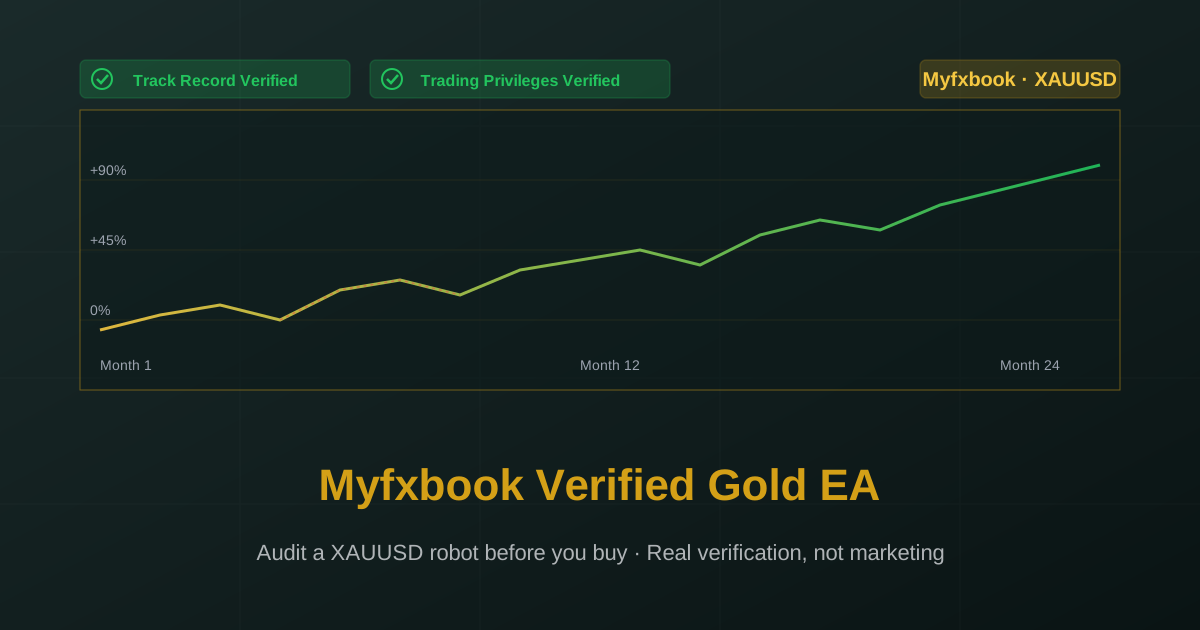
Track Record Verified
An icon appears showing that Myfxbook has confirmed the account exists at the named broker via the broker's investor password. This proves the broker statement matches the data shown — but it does not prove the account is run by the vendor or that the trades are not cherry-picked from a basket of accounts.
Trading Privileges Verified
A separate badge confirming Myfxbook has verified that the trading on this account is being performed by the account holder via the trading password. This is a stronger signal but still does not prove the strategy is the same one being sold to you.
Linked Only
The vendor has connected Myfxbook to the account but has not enabled verification. This is the weakest state — the equity curve shown may not match the actual broker history, since Myfxbook is taking the vendor's word for the data.
What to demand: Both Track Record Verified AND Trading Privileges Verified, with a broker name that you recognize.
What to Check First on Any Myfxbook Page
Before getting into XAUUSD-specific details, run this checklist on every Myfxbook page a vendor shares:
Verification Badges
In the top right of the account page, look for the green check marks. Both "Track Record Verified" and "Trading Privileges Verified" should be present. If only "Track Record" is verified, ask the vendor to enable trading privileges verification — there is no legitimate reason not to.
Broker and Account Type
Click on the "Account Info" or hover on the account name. The broker should be a known, regulated entity. Be suspicious of:
- Brokers you have never heard of
- Brokers regulated only in offshore jurisdictions (Vanuatu, Marshall Islands, etc.)
- "Cent" accounts shown as larger "USD" accounts (vendors do this to make small results look bigger)
- Demo accounts (Myfxbook does not always clearly label these — check the account type explicitly)
Account Age
Look at the "Tracking Since" date. For an EA you are about to buy:
- Less than 6 months → insufficient
- 6-12 months → minimum acceptable, but understand that this includes only a single market regime
- 12-24 months → reasonable
- 24+ months → strong
A gold EA that has only existed for 4 months has not yet seen a full range of XAUUSD market conditions.
Deposit and Equity History
On the "History" tab, look at deposits and withdrawals. Pay attention to:
- The initial deposit size (vendors sometimes start with $100 to make percentage gains look dramatic)
- Any large deposits during drawdowns (this masks drawdowns by injecting fresh capital — extremely common deception)
- Withdrawals that suspiciously coincide with the end of large winning streaks
The cleanest accounts have a single initial deposit and no further changes.
XAUUSD-Specific Audit Points
For a gold EA specifically, dig deeper:
Verify Trades Are Actually on XAUUSD
On the "Trades" tab, filter or sort by symbol. The vast majority of trades should be on XAUUSD or its broker-specific equivalent (XAU/USD, GOLD, GOLDmicro, etc.).
Some vendors run an EA that trades multiple instruments but market it as a "gold EA" because that performs better in marketing. Confirm the actual trade volume on XAUUSD specifically.
Check Lot Size Behavior
This is the single most important XAUUSD audit step. On the "History" tab, look at consecutive trades:
- Are lot sizes consistent or proportional to account equity? → Fixed-risk system
- Do lot sizes increase after a losing trade? → Martingale (no matter what the marketing says)
- Are multiple positions opened at staggered XAUUSD prices? → Grid
For XAUUSD in particular, martingale is uniquely dangerous because of gold's high ATR. If you see lot size doubling after losses, walk away regardless of how impressive the equity curve looks.
Examine the Drawdown Periods
Click on the equity curve to find the deepest drawdown periods, then look at the trade history during those windows. For a XAUUSD EA you should see:
- A small number of consecutive losing trades
- A clear pattern of stops being hit at consistent risk levels
- Account recovery through normal winning trades, not through escalating lot sizes
If the deepest drawdown shows the EA closing out with a massive winning trade (sometimes 5-10x the size of typical trades), that is the signature of a grid/recovery basket. The "recovery" worked this time. It might not next time.
Check Spread and Commission Assumptions
On the "Settings" tab or "Advanced Stats," look for the average spread and commission. For XAUUSD:
- Spreads under $0.10 average → suspicious unless on a true ECN account
- No commission shown → likely a standard account with wider spreads embedded
- Spread information missing entirely → ask the vendor for it before purchasing
Backtests with unrealistic spreads grossly overstate performance for XAUUSD, which is a relatively wide-spread instrument.
Verify Stop-Loss Discipline
In the trade history, look at the loss column on losing trades. For an EA that claims a hard stop loss:
- Losses should cluster around a consistent value (the SL distance times lot size)
- A few outlier losses larger than the typical stop (slippage during news) are normal
- Many losses far exceeding the claimed stop → the SL is not being enforced
This is one of the most direct ways to verify the "real stop loss" claim from a vendor.
Common Myfxbook Deception Patterns
Vendors who want to make their results look better than reality use these tricks:
The Switched Strategy
A vendor runs Strategy A on the verified account for 12 months, accumulating impressive results. Then they switch to Strategy B (the one they are actually selling) on the same account. The historical equity curve still shows Strategy A's performance. The 1-month section since the switch is the only actual evidence for what you are buying. Check the recent trade frequency — it should match the EA's documented behavior.
The Hidden Drawdown
Large deposits added during drawdowns offset the percentage loss. A 40% drawdown on a $10,000 account becomes a 20% drawdown if the vendor adds another $10,000 mid-loss. Always check the deposit history.
The Cherry-Picked Start Date
Six months of live results that happen to start at the beginning of a strong trending period for gold can look stunning. The same EA might have failed in the prior six months. Without a longer track record, you are seeing only the good half.
The Cent Account Disguise
A cent account shows balance in cents — a $10 deposit displays as 1000 "USD" on the account. Profits and drawdowns shown in percentage are real but the dollar values are 100x smaller than they appear. Verify the actual account currency on the broker statement.
The Demo Disguise
Some vendors run their EA on demo accounts that they then market as if live. Myfxbook does flag demo accounts, but the indicator is sometimes subtle. Always check explicitly.
The Selective Symbol Filter
If you see a verified account with great returns but most trades on a non-gold instrument, the gold-specific performance might be far worse. Always filter by symbol to confirm the EA's claimed instrument is actually generating the profits.
What an Honest Myfxbook Page Looks Like
For comparison, an honest Myfxbook verification for a XAUUSD EA shows:
- Both Track Record and Trading Privileges verified
- A reputable broker, real account type
- 12-24+ months of history
- Single initial deposit, no large deposits during drawdowns
- Consistent lot sizing, no martingale patterns
- Drawdown periods that show normal losing streaks with hard stops being hit at expected levels
- Trade-by-trade history that matches the documented strategy frequency
- Visible spread and commission information that reflects real-world trading costs
The equity curve will be less dramatic than martingale systems but will reflect what your account will actually do.
Conclusion
"Myfxbook verified" is not, by itself, proof that a XAUUSD EA is worth buying. The label tells you that some level of third-party data access exists — nothing more. The work of actually verifying the strategy falls on you.
The good news is that the work is straightforward. Check the verification badges, the broker and account type, the age of the account, the deposit history, the lot size patterns, the drawdown periods, and the spread assumptions. Walk away from anything that fails these checks. The 30 minutes you spend doing this audit will save you far more than 30 minutes of trading the wrong product.
Quantum Algo's XAUUSD EA results are published with both Track Record and Trading Privileges verified on Myfxbook, on regulated brokers, with a single initial deposit, no martingale patterns in the trade history, and full spread and commission disclosure. The drawdown periods are visible and consistent with the documented strategy. Audit the live results yourself before purchase — that is the entire point of third-party verification.